Make sure that all Master Plan and Adopting Employer plans have been added to your account. To add these plans, follow the same steps used to add any other plan to the system.
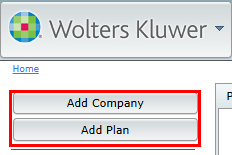
You can add your companies and plans using the standard Add Company and Add Plan features on the Home page, or the WK drop-down menu.
If your Master Plan has already established and you have a new Adopting Employer plan, you can either add a new plan to the Adopting Employer company or clone the existing Master Plan to the Adopting Employer company. For assistance cloning a plan, see "Clone Plan Feature" under Edit Plan in the Document User Guide.
